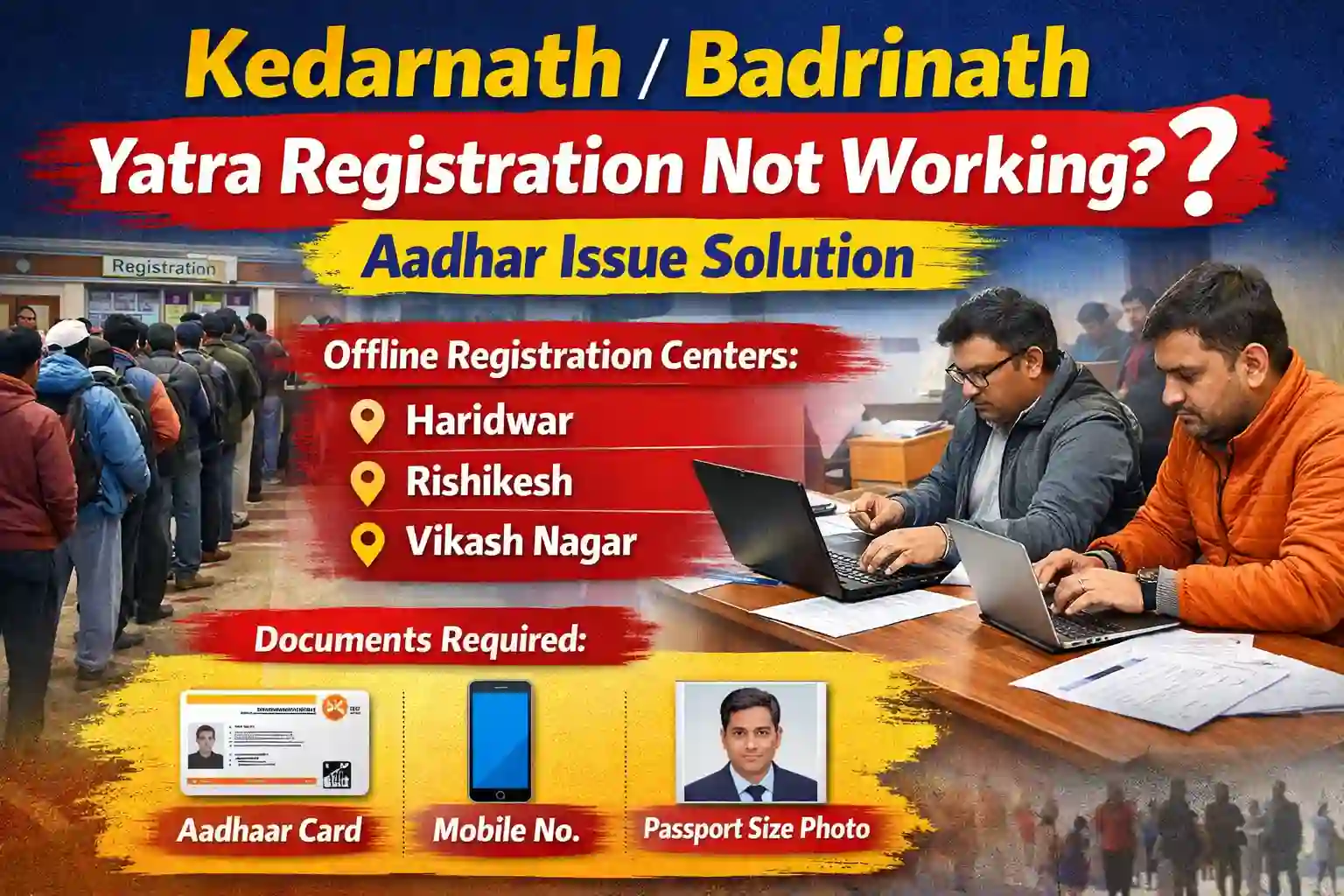
Kedarnath/Badrinath Yatra Registration Not Working? Aadhar Issue Solution (Complete 2026 Guide)
Planning a trip to Kedarnath/Badrinath Yatra Registration Not Working? Many pilgrims face this, often due to Aadhaar issues. Don't worry—it's easy to fix. You can register offline at designated centers, use a different ID, or get help at local facilitation booths. Arrive a day early to sort things out on the spot. With these simple solutions, you can complete your yatra without stress. Just stay calm and explore your options—your journey is still possible!
Why Kedarnath/Badrinath Yatra Registration Is Not Working?
The most common reason is that your Aadhaar is not linked to your mobile number. Registration requires OTP verification, and if your number isn't linked to Aadhaar, you won't receive the OTP. You can check this at any nearby bank, post office, or Common Service Centre, and get it linked for free.
Sometimes the OTP arrives late or not at all due to network issues. In that case, wait a few minutes and try again. If it still doesn't come, restart your phone or try from a different network.
Another frequent problem is entering wrong Aadhaar details. Double-check your name, date of birth, and Aadhaar number before submitting. Even a small mistake can block the process.
During peak season, the official website gets heavy traffic, causing slow loading or errors. Try registering early in the morning or late at night when fewer people are online. Also clear your browser cache or use a different browser.
Slow internet or outdated browsers can also cause issues. Make sure you have a stable connection and update your browser if needed.
If online registration keeps failing, don't worry. You can register offline at designated centers in Rishikesh, Haridwar, or near the temple towns. Just carry your ID proof and reach a day early to complete the process smoothly.
What Is the Aadhaar Issue in Yatra Registration?
When you register online for Kedarnath or Badrinath Yatra, you must verify your identity using an OTP sent to your mobile. This system is managed by the Unique Identification Authority of India (UIDAI).
- The main problem arises if your mobile number is not linked to your Aadhaar card. Without this link, you will not receive the OTP on your phone. And without the OTP, you cannot complete the registration process. Your application simply stops there.
- This is a very common issue that many pilgrims face every year. Often, people change their mobile numbers but forget to update them in their Aadhaar records. Sometimes the number was never linked in the first place.
- Fixing this issue is very important if you want to register online without stress. The good news is that it's easy to solve. You can visit any nearby bank, post office, or Common Service Centre to get your mobile number linked to Aadhaar. The service is free and usually takes only a few minutes. Once linked, you can try registering again and receive the OTP smoothly.
Solution 1: Link Mobile Number with Aadhaar (Permanent Fix)
This is the best and most long-term solution for your registration problem. Once your mobile number is linked to Aadhaar, you will receive OTP instantly and complete your yatra registration without any hassle.
Here are the simple steps to follow:
- First, visit your nearest Aadhaar Seva Kendra or any authorized bank or post office that offers Aadhaar update services. You can find the nearest center by visiting the official UIDAI website.
- At the center, ask for the mobile number update form. Fill it carefully with your correct details. Carry a copy of your Aadhaar card and a self-attested photocopy to submit along with the form.
- The officer will then complete your biometric verification by scanning your fingerprints and taking a photo. This step is important to confirm your identity.
- A small fee of around ₹50 is charged for this service, though it may vary slightly by location.
- After that, your request will be processed. Your mobile number will be linked to Aadhaar within 2 to 5 days. You may also receive an SMS confirmation once it's done.
- Once your number is successfully linked, you can go back to the yatra registration website. This time, you will receive the OTP without any problem and complete your booking easily. This fix not only helps for yatra registration but also for many other government services that require Aadhaar OTP verification.
Solution 2: Offline Yatra Registration (Fast & Easy Alternative)
On the other hand, if you don’t want to wait, you can choose offline registration. This method is simple, fast, and very helpful during peak season.
You can visit registration centers in:
- Haridwar
- Rishikesh
- Vikas Nagar
📍 Offline Registration Centers List (Char Dham Yatra)
Location Name | Registration Center
📞 Helpline Number
- Char Dham Yatra Helpline: 0135-2559898 / 1364
📄 Documents Required for Offline Registration
Before you go, make sure you carry these documents:
- Aadhar Card (preferred)
- Any valid Government ID (Voter ID / PAN / Driving License)
- Active mobile number
- Passport size photo (if required)
👉 Always check that your details are correct to avoid delays.
⏱️ How Much Time Does Registration Take?
Generally, the process is very quick.
- Normal time: 10–20 minutes per person
- During rush: 30–60 minutes (including waiting time)
Therefore, it is better to visit early in the morning to avoid crowds.
Yatra Registration Cost
Here’s the best part:
- Government registration is completely FREE
- You don’t need to pay any official fee
- However, agents may charge service fees (optional)
Can You Do Yatra Without Registration?
👉 No, you cannot do the yatra without registration.
In fact:
- Registration is mandatory for Char Dham Yatra
- You must show your registration slip at check posts
- Without it, your entry can be stopped
So, always complete your registration before starting your journey.